|
|||
|
POPFile gives full instructions on how it is setup on the POPFile Web Site.
POPFile works through a simple system of 'buckets' and 'magnets'. 'A 'bucket' is just what it sounds like - it's one of any number of folders that your E-Mail can be classified into. You can have one for junk mail and one for regular E-Mail, or one for your personal E-Mmail, one for work, and one for 'spam'. 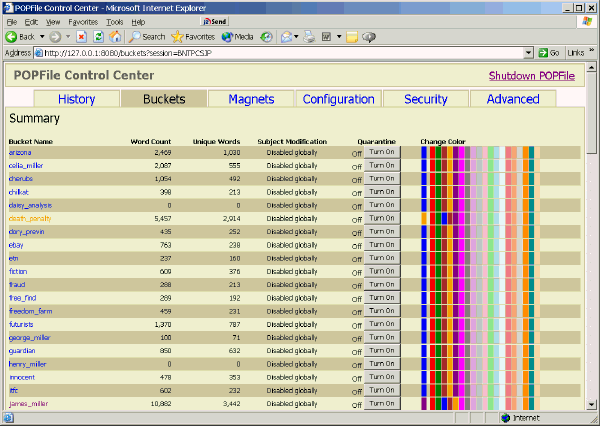 A 'magnets' attracts messages to a specific 'bucket' and are ideal for solving the type of problem that Daisy Analysis has with messages to www.daisynews.com. A simple 'magnet' is defined that moves any messages to any E-Mail address at daisynews.com to a bucket called 'spam_magnet'. 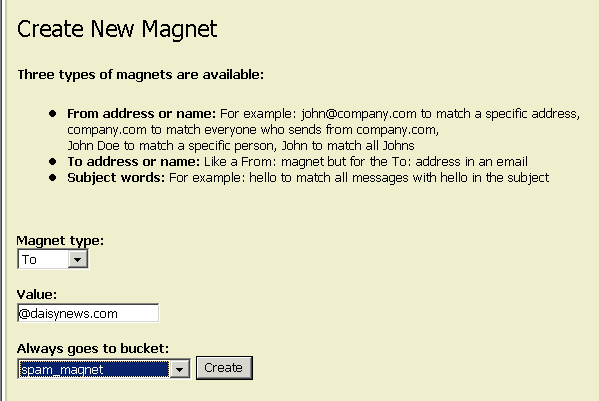 Note the 'bucket' name is different to that for pure 'spam', so that these messages can be differentiated in the analysis.
|
|||
