|
|
Previous Next Help Print
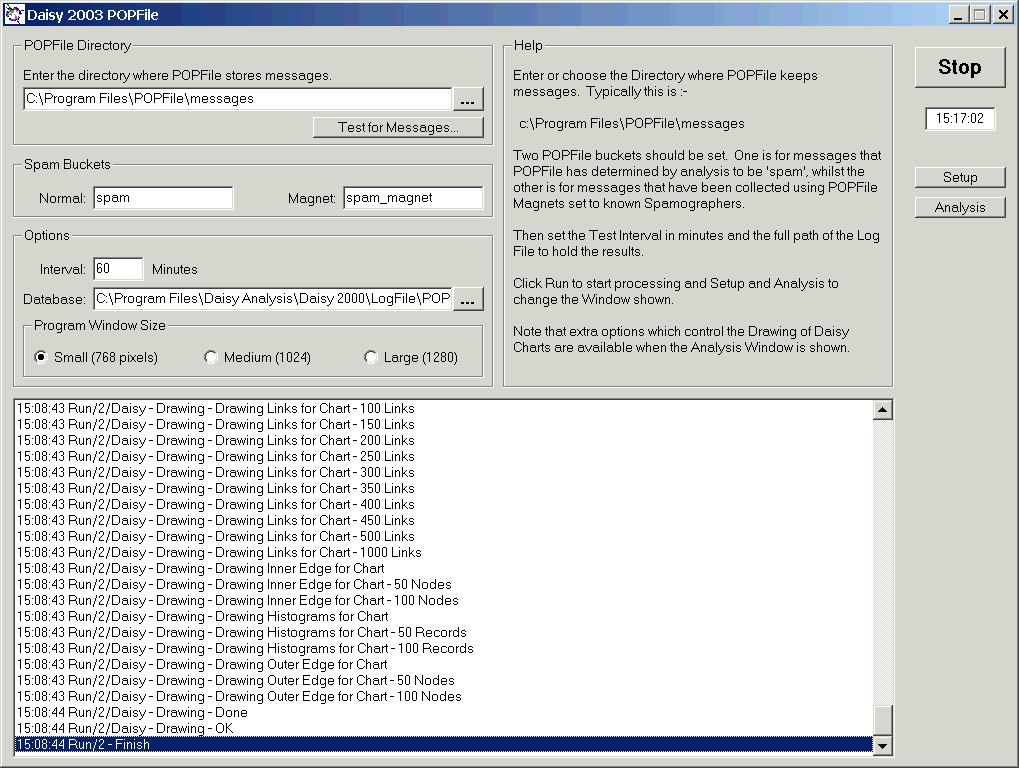
Shown is the main Setup window for Daisy POPFile. This is called using Setup at the right of the program.
The settings that control Daisy POPFile and draw the example shown under Analysis have been entered.
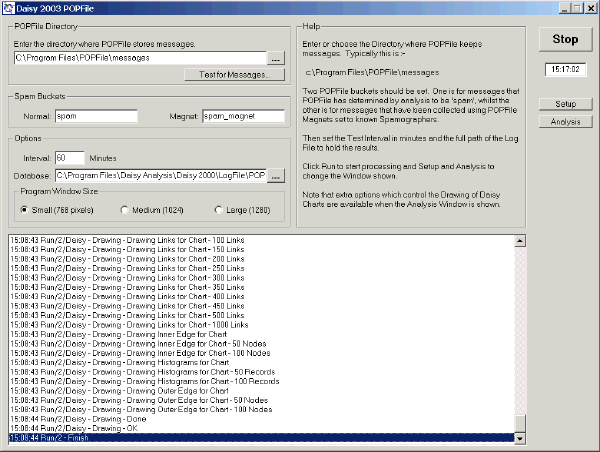
Note :-
- The 'messages' directory for POPFile must be specified.
It is a directory, where a series of individual .msg and .cls files have been created for each message.
- Note how two POPFile 'buckets' have been defined for messages; one for 'spam' determined by POPFile using its unique Bayesian methods and the other for those defined as 'spam' using POPFile's 'magnets'.
- The interval is the number of minutes between each run.
- A database which is a .csv file used to hold the results, must be specified.
- The three options also specify the size of the program window. The number of pixels is the height
Once all of the settings have been entered, just click Run As the program is running, it is shown acting as a Stop button.
|