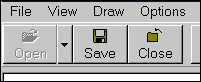
Toolbar
Toolbars in Daisy are very powerful and control all of the major parts of the program.
The Daisy toolbar which consists of a series of buttons, can be used to open and close databases, view databases, draw Daisy Charts etc. etc.
The toolbar shown is in the 'Large Icon' toolbar style. Other styles show small icons and just the text.
Note 'Help', which can open and close a mini-Help window at the right of the main window.
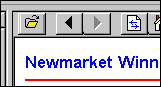
** New - This mini-Help window now has it's own toolbar.
There is also a toolbar in each Daisy Grid.
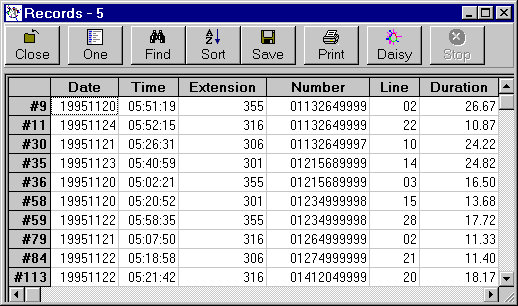
Toolbars are formatted, shown and hidden using the Toolbar command and its associated sub-commands in the Options menu.