 | Extra Programs - Daisy POPFile - Running |
Running of Daisy Profile is controlled using the Run/Stop button at the top right of the program.
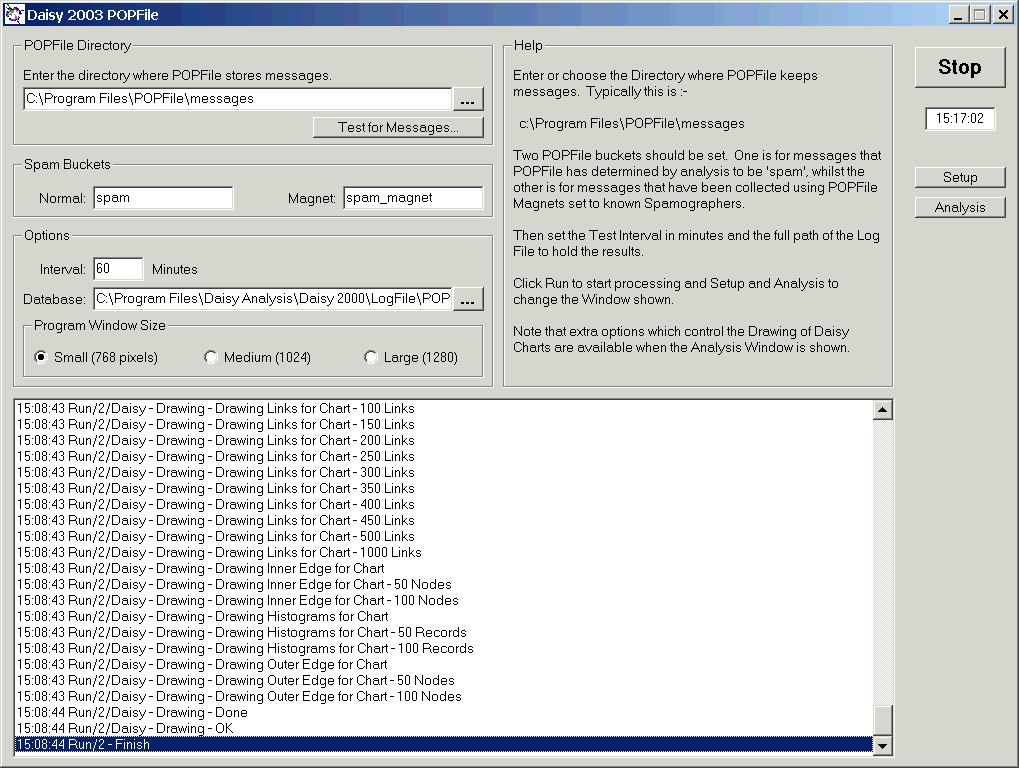
Just click Run to start and Stop to finish.
Note :-
- Status whilst testing and drawing the Daisy Chart is shown in the Setup window.
- You must check the Pause Analysis box to allow any investigation of the data. Collecting of messages is aunaffected.
- The program can not be unloaded, whilst messages's are being collected or Daisy Charts are being drawn.