 | Features - Command Line Arguments - Generating |
Arguments are generated using the Daisy Opener.
The sequence of operation is as follows :-
- Set up the Daisy Opener so that it reads the database and draws the required Daisy Chart.
- Adjust all the Options in the Daisy Opener.
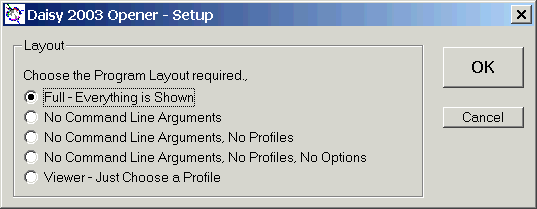
- Make sure the program setup so that the 'Command Line Arguments' frame is shown.
Use the Setup button which brings up the dialog below.
- Click the Build Command Line button and the generated command line arguments will appear in the window at the bottom of the program.
- Test the generated arguments using the second Run button.
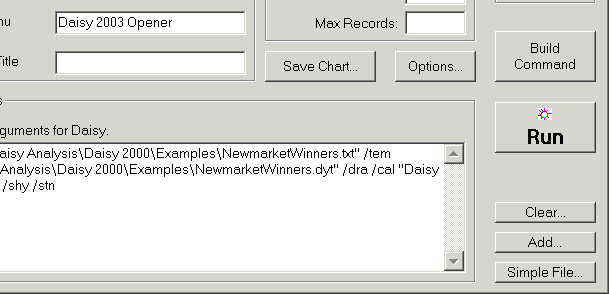
The figure shows the bootom right of the Daisy Opener.
See Daisy Opener - Generating Command Line Arguments in the Help for more details.