One Node Per Page
One Node Per Page is an alternative way of showing nodes.
It is invoked from the Draw menu using the commands 'Show All Nodes' and 'Show One Node' to toggle the display.
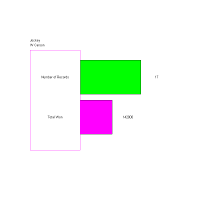
Shown is a simple 'One Node Per Page' display.
You can also use 'One' in the toolbar to invoke this form of display.

Note that when one node is being shown, 'Previous' and 'Next' appear.
Use these to pass through the nodes in the chart.