Grids - Copy to Clipboard
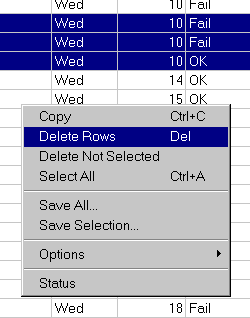
The selected data in the Daisy Grid can be copied to the Windows clipboard.
Either use the Copy command in the right click menu or use the Control-C keystroke.
Note the Select All command in the menu, which should be used if you want to copy all of the data in the grid.
** Tip - The quickest way to copy everything to the clipboard is to type Control-A followed by Control-C.