Grids - Sorting Rows
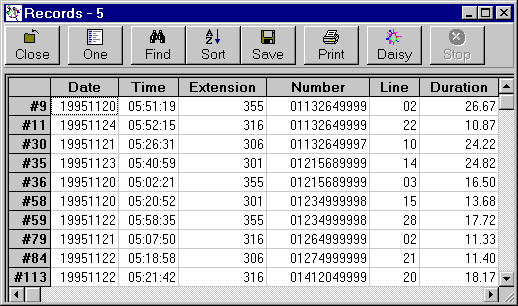
Each Daisy Grid has 'Sort' in the toolbar.
'Sort' is the fourth from the left.
Once 'Sort' has been clicked an extra section opens under the toolbar.

Select the column or field to be sorted, the order of sort (date, time, numeric etc.) and then click Ascend or Descend to perform the reordering.
Use 'Cancel' to close the sort process.
** New - You can also double-click on the headings of the grid and the corresponding field or column will be sorted.