Notes
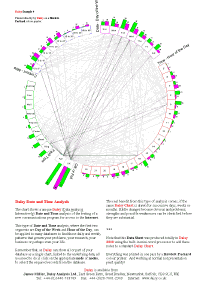
Daisy and other charts can be documented by placing a series of notes around the actual chart.
The figure shows the 'Software Test' example, which has been created by adding four word-processed notes around the chart; top left, two side-by-side underneath and a footnote.
Each note is in effect a mini-document which is entered under Layout in the main Draw Chart dialog.