Marks
Marks are colour and style enhancements that can be added to nodes and links.
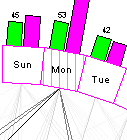
Shown is a node marked with a light blue vertical line.
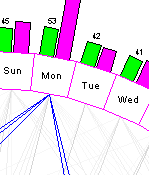
Here important links are shown in dark blue.
Marks on links can either be drawn at a fixed colour or the shade can be adjusted to the strength of the link.
Nodes and links are normally marked by using the Mark command in the Draw menu.
Marks can also be entered under Nodes and Links in the main Draw Chart dialog.
They are also saved in templates used to define Daisy Charts.