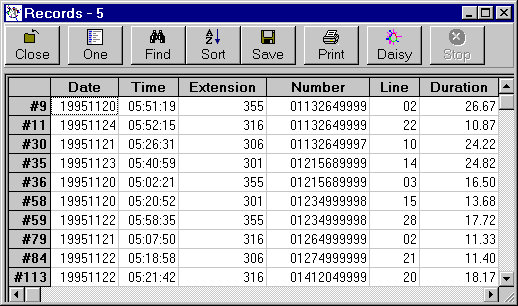
Grids - Finding Data
Each Daisy Grid has a 'Find' in the toolbar.
'Find' is the third from the left.
Once 'Find' has been clicked an extra section opens under the toolbar.
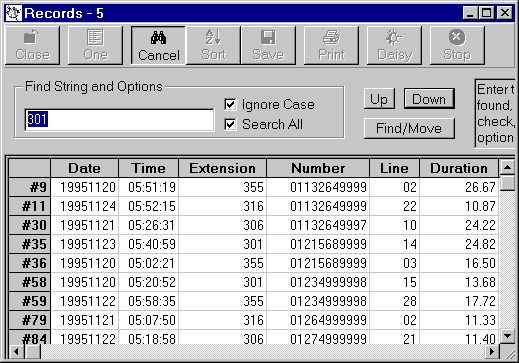
Enter the string to be found and then click Up or Down to find the next occurrence in the requested direction.
Use 'Cancel' to close the find process.
Note 'Find/Move', which selects all records that contains the entered string and moves them to the top of the grid.
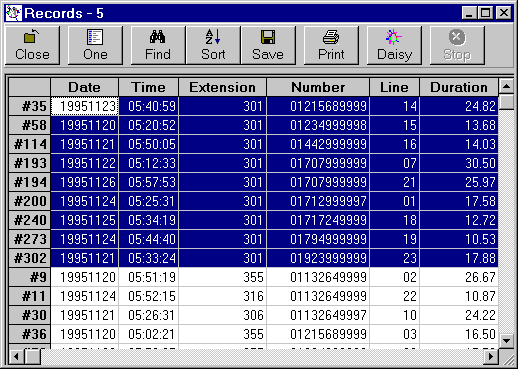
In the figure above all records containing '301' have been found and moved.
** Tip - Use this technique to search a grid for all the records you want.