 | Extra Programs - Web Analysis Tools - Common Features |
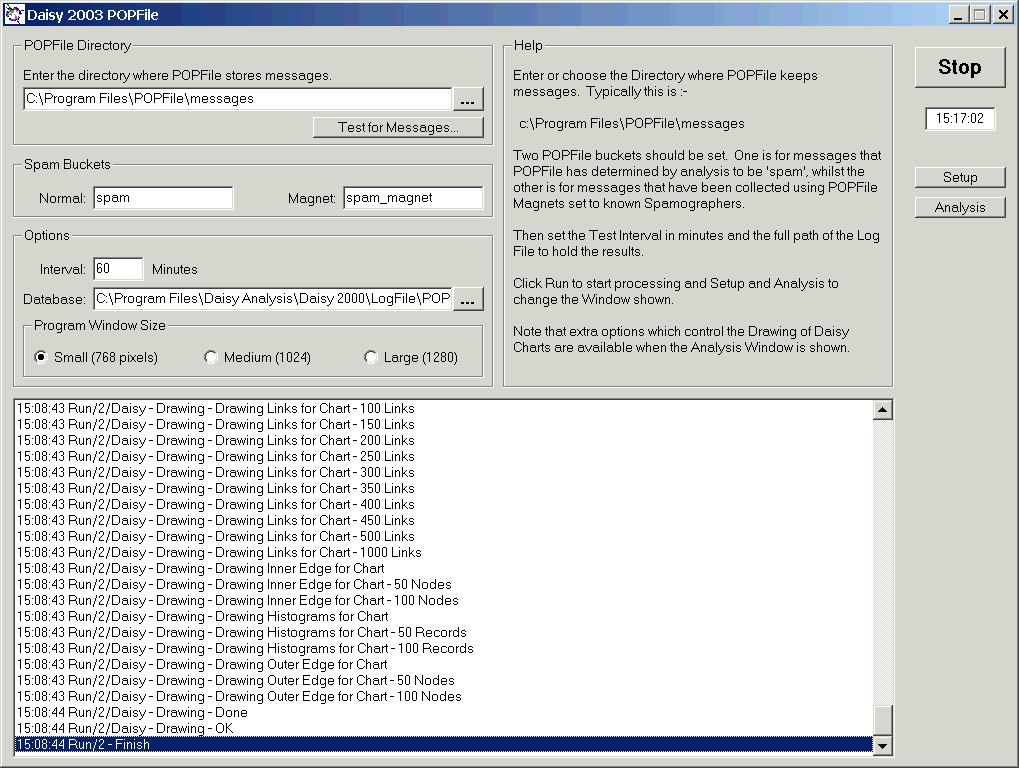
Note :-
- The various parameters, directories and files that can be setup here.
- The Run/Stop button which starts and stops the program.
- The 'Setup' and 'Analysis' buttons which control which window is shown.
- The three options also specify the size of the program window. The number of pixels is the height
- The status of the program is shown at the bottom.