| Training Notes - Select by Mouse |
Daisy allows data to be selected, displayed, printed and processed, solely by using the mouse on the Daisy Chart.
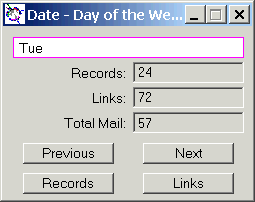
Click on any of the nodes in the Daisy Chart, say Wednesday in the mapping field, Date and the dialog shown below will be displayed.
Click on Records in this dialog and the records associated with Tuesday will be displayed.

Note :-
Daisy Index |