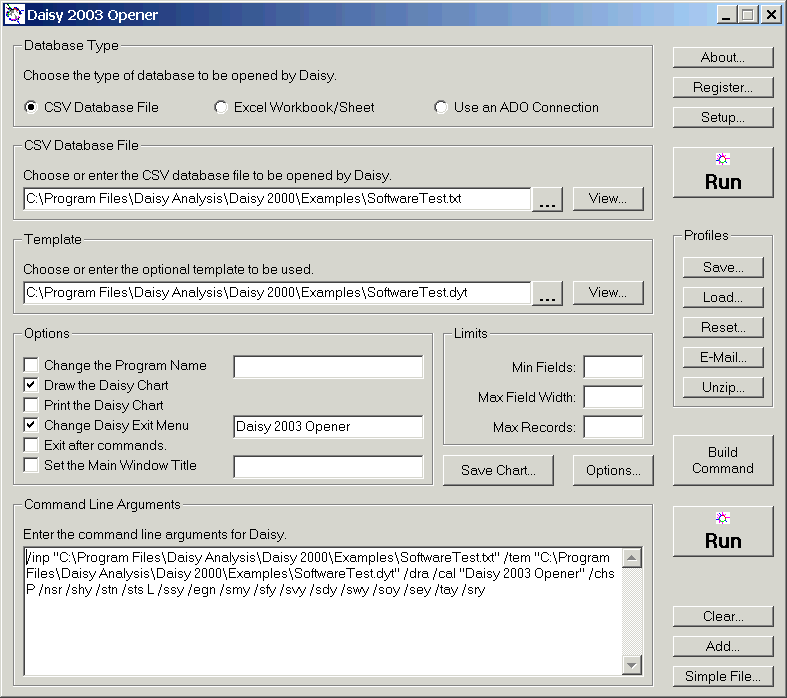
Daisy Opener - Program Layout
The Setup button on the Daisy Opener can be used to change how the program looks and the features available.
Five different layouts are available :-
Everything is shown including the section at the bottom, which shows and generates command line arguments, which can be used to run the Daisy on a particular set of files in a defined way.
All Except Command Line Arguments

The command line arguments section has been removed.
This is the recommended program layout.

The profiles section has been removed.
The options section has been removed.
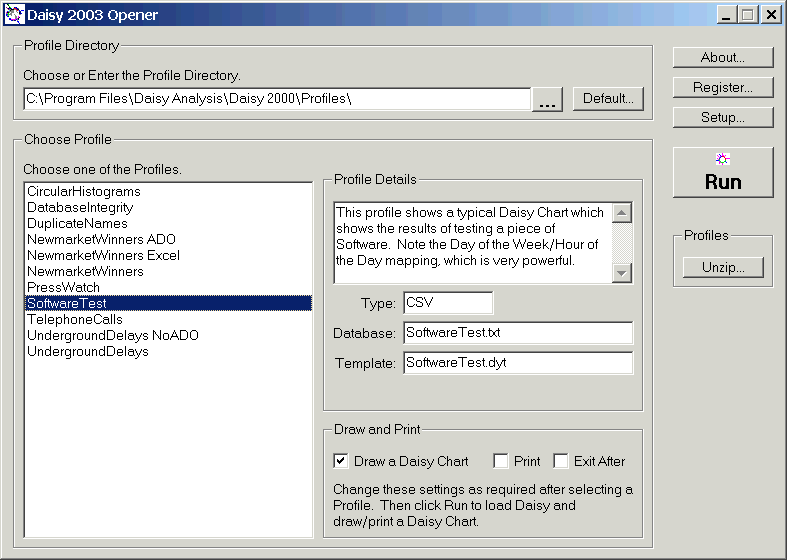
Only profiles can be run and viewed.
This last layout is in fact the Daisy Viewer!